
DBeaver 26.2.1
September 21st, 2026
- AI Assistant:
- Added support for AI subscriptions for OpenAI
- Added a warning about possible AI mistakes in AI Chat
- Reorganized AI preferences
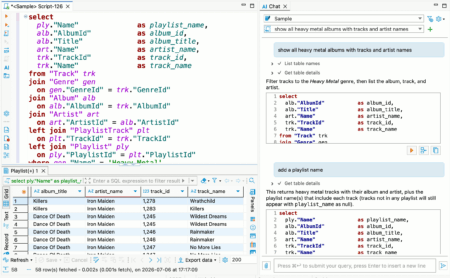
- AI-generated SQL scripts are executed like regular scripts, with a results tab, progress tracking, and the ability to fix errors
- SQL Editor: fixed toolbar background in the dark theme on Windows
- Data Editor:
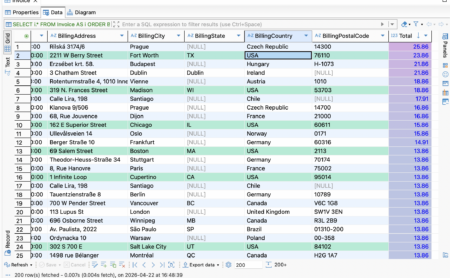
- Updated the reset icon in Result set Order/Filter settings
- Fixed an event loop exception when opening the context menu in the Calc panel
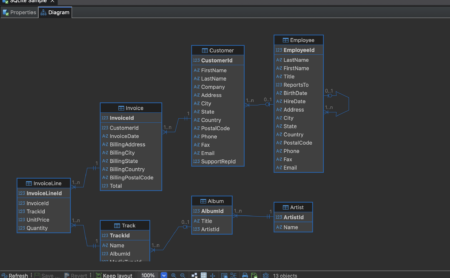
- Diagram: fixed an issue where relationship lines were not handled correctly when manually rearranging entities
- Data transfer: fixed keyboard navigation in the Transform settings dropdown
- Connectivity:
- Fixed an exception when opening connection settings for a generic driver with URL configuration
- Fixed database logo rendering on macOS
- Improved automatic connection name generation
- Fixed repeated driver download prompts during connection attempts
- Navigator: fixed Navigator background in the dark theme
- Miscellaneous:
- Fixed multiple issues in the dark theme: native tool presentation, Tip of the Day dialog display, toolbar background display, and others
- Fixed profile slider scrolling on Linux
- Updated the driver selector to show all drivers when opening the dialog
- Fixed a widget disposed error after changing the application language
- Removed project selector from the global Eclipse status bar
- Databases:
- Apache Doris: Fixed the ability to transfer data from SQLite
- Athena: Fixed Apache Calcite Avatica driver installation
- BigQuery: Updated the driver to version 1.2.0
- ClickHouse: Fixed date filtering
- Exasol: Fixed an exception when opening users
- Flight SQL: Fixed connection errors with Flight SQL JDBC driver 19.0.0
- MariaDB: Fixed ENUM dropdown opening in Record view and the Value panel
- MySQL:
- Fixed an AI response handling error
- Fixed data export to clipboard (thanks to @EastLord)
- Oracle: Fixed endless refresh when the References panel was open
- PostgreSQL:
- Fixed CSV import with bulk load enabled
- Fixed schema switching after changing the active schema
- Fixed incorrect search path update after changing the active schema
- Snowflake: Fixed column ordering in Result Set Order/Filter settings