
DBeaver 26.2.3
October 18th, 2026
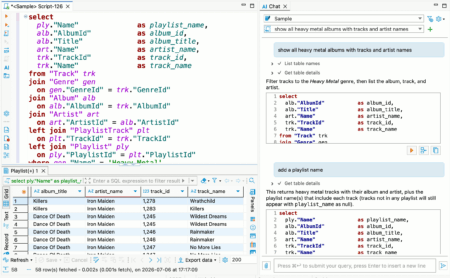
- AI Assistant:
- Added drag-and-drop support for Navigator objects and files in AI Chat
- Added support for attaching images to AI Chat from files, drag-and-drop, and the clipboard
- Fixed an issue where closing multiple SQL Editor tabs cleared the selected AI Chat connection and conversation
- Fixed SQL block Execute, Copy, and Open in editor actions on Linux (thanks to @Josephur)
- Fixed small font sizes and unnecessary truncation for profile and model names in AI Chat
- ChatGPT subscription errors are now displayed as readable messages instead of raw JSON
- SQL Editor:
- Added the ability to execute SQL script files without opening them in the SQL Editor
- Added a notification for refreshing affected metadata after successful DDL execution
- Fixed an issue where new SQL templates used Vertica instead of abstract SQL as the default context
- Fixed SQL Editor corruption when deleting an auto-inserted closing bracket in Eclipse installations with TM4E (thanks to @RoiSoleil)
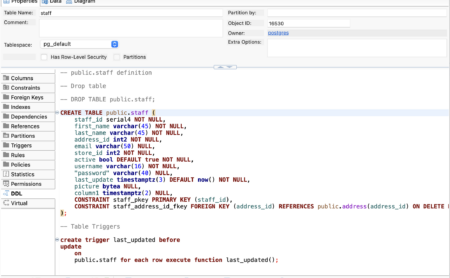
- Metadata Editor:
- Fixed checkbox backgrounds in the table column dialog on macOS in dark mode
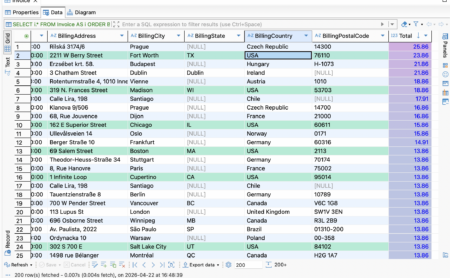
- Data Editor:
- Fixed Adaptive Ordering for large numeric values
- Fixed row order when dragging multiple selected result-set rows into the SQL Editor (thanks to @Abdulrahman295)
- Data transfer:
- Redesigned the extraction settings page
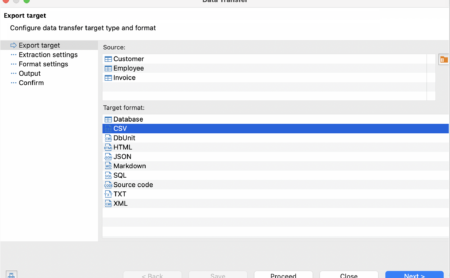
- Redesigned the export target page with in-wizard source management
- Connectivity:
- Improved error messages for invalid SSH known-hosts files with the affected file path and corrective guidance
- Fixed empty credential dialogs for integrated authentication methods
- Fixed an issue where connection settings could be cut off and could not be scrolled after changing authentication options
- Security:
- Fixed a command execution vulnerability by requiring confirmation before running shell commands used to retrieve connection passwords (CWE-78, CWE-306)
- Fixed high, medium, and low vulnerabilities in the lz4-java library used by the ClickHouse and Databricks drivers (CVE-2026-106451, CVE-2026-106450, and CVE-2026-106449). The library was updated to version 1.11.4.
- Product configuration:
- Git integration is now enabled by default when existing Git projects are detected
- The SQLite sample database is now enabled by default
- New drivers:
- Added support for YashanDB (thanks to @YoungQinger9)
- Databases:
- Clickhouse: Added the ability to rename tables from the Navigator tree.
- CUBRID: Fixed extra quoting around hexadecimal default values in generated DDL (thanks to @longhaseng52)
- MySQL: Restored bold highlighting for catalogs and tables with granted privileges
- Oracle: User profiles now show their assigned users
- PostgreSQL:
- Fixed bulk imports that mishandled literal backslashes or custom CSV escape characters
- Fixed SQL formatting for the @? operator (thanks to @SemTiOne)
- SQL Server:
- Fixed missing quotes around datetimeoffset values when copying multiple cells or rows as SQL
- Non-online databases are now marked in Navigator, and their status is shown in the Databases tab (thanks to @michalpsyk)
- Localization:
- Added Traditional Chinese (Taiwan) localization